
TIMEKEEPING FOR CONSTRUCTION
Site hours.
Sorted.
Less chasing timesheets.
Clearer hours for payroll.
No sign-up. Sample data only.
Video description
Still chasing hours on Friday? Your crew clocks in and out. Location is checked at clock-in and clock-out only, never continuously. Review hours and what needs attention. Download checked hours for your existing payroll process. Site hours. Sorted. SiteTick. The example working day is 08:00–17:00. The app details use synthetic example data; the map shows a saved clock-in location from History, not a live location feed. English narration and captions are included.

WORKER CLOCK IN
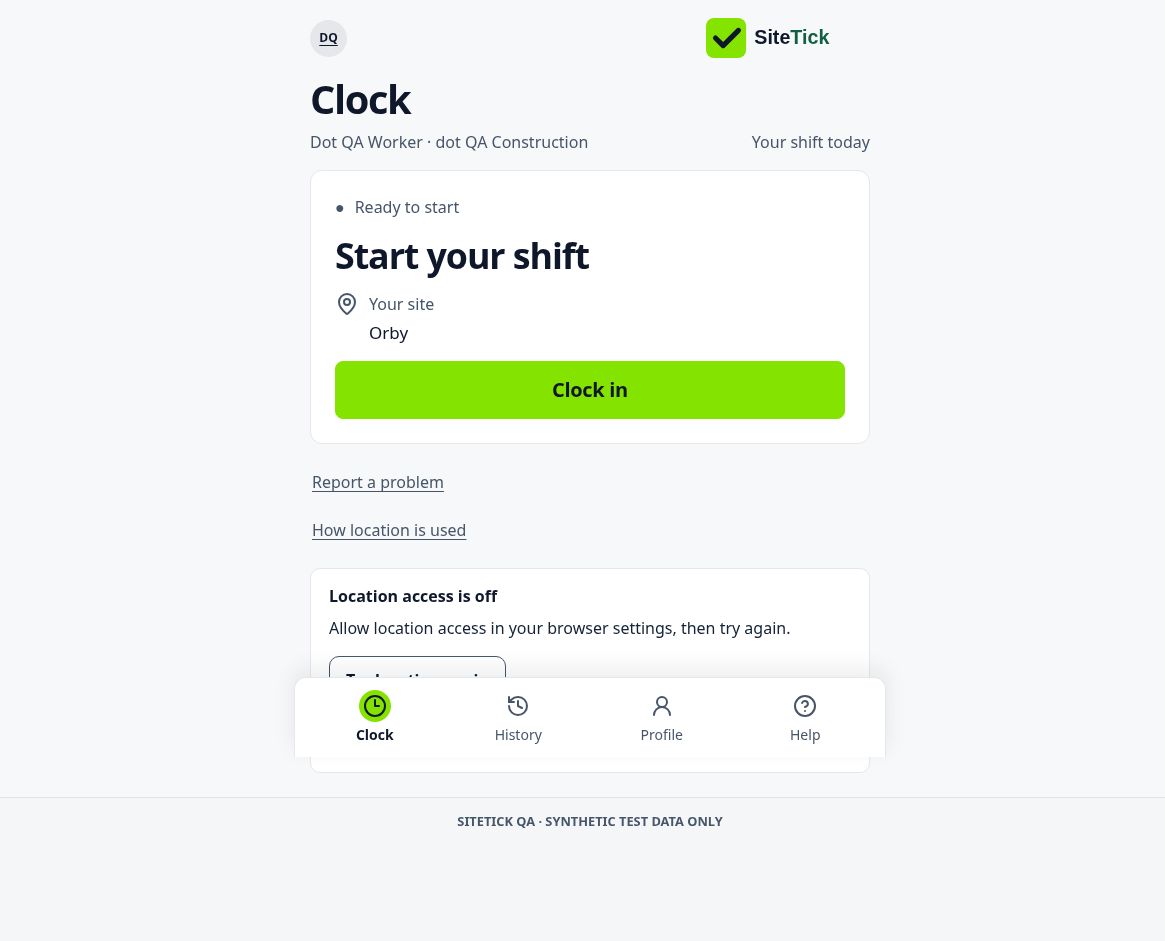
How SiteTick works
- 01
Clock in and out
Workers record their day on their phone.
- 02
Review issues
Check the recorded times and approve the right hours.
- 03
Prepare your payroll file
Download and check the CSV, then attach it to your usual payroll email.
In-app email is unavailable in this release. Downloading a file does not send it, import it into payroll or pay workers.
No all-day tracking. Location is checked only at Clock In and Clock Out.
Practise before you start
Owner lesson: review hours and prepare a payroll file
Worker lesson: clock in, clock out and check History
These training-hub lessons use fictional practice. They do not sign you in to SiteTick, create attendance or confirm payroll readiness.
START WITH ONE SITE
See it earn
its place.
A suggested pilot: 5–15 workers for around four weeks, alongside your current timesheets.
We’ll agree the setup and start date with you. An enquiry starts a conversation, not a subscription.
Prefer email? hello@sitetick.co.ukSee SiteTick in action
We’ll show you how workers clock in, how you review hours and how to prepare your payroll file.
We’ll contact you to arrange a short demo.